Limitless Signage
Show advertisements on your screens and manage them from one place.
Upload your advertisement images and videos, choose the order, and send them to your screens. Choose different advertisements for each screen, or use your screens for welcome messages and building announcements.
For advertisements, special offers, and everyday announcements.
Inside the software
See how you manage, arrange, and display your advertisements.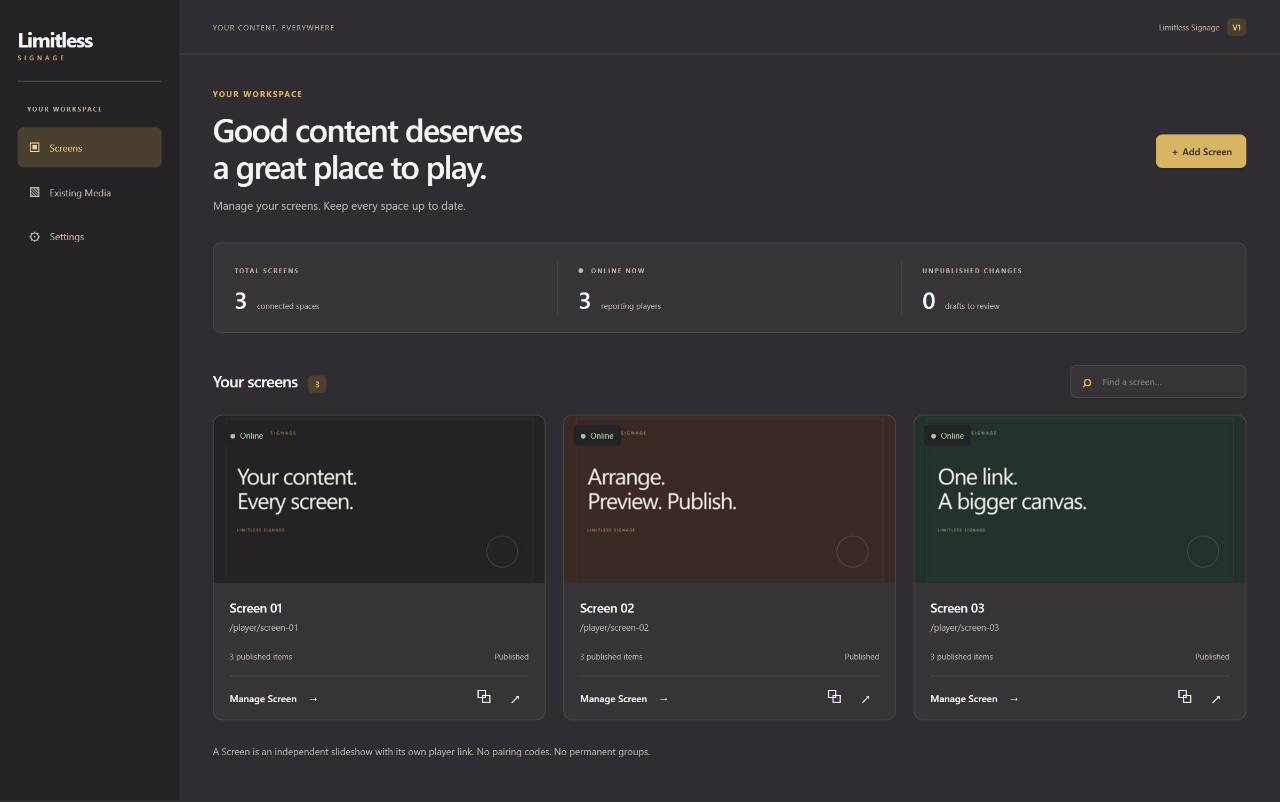
See all your screens in one place. Check which are connected, see the advertisements they show, and choose a screen to make changes.
Get your advertisements on screen
Upload your advertisements
Add a screen, then upload your advertisement images or videos. You can also choose from files you have already uploaded.
Choose the order and timing
Arrange your advertisements and choose how long each image appears. Check how they look, then publish when you are ready. Your screens keep showing the current advertisements until then.
Show them on your screen
Open the screen’s link in a compatible browser on your display device. Your advertisements play one after another and repeat. Update them from the dashboard whenever you need to.